

Schedule Trigger
Node Type
Description
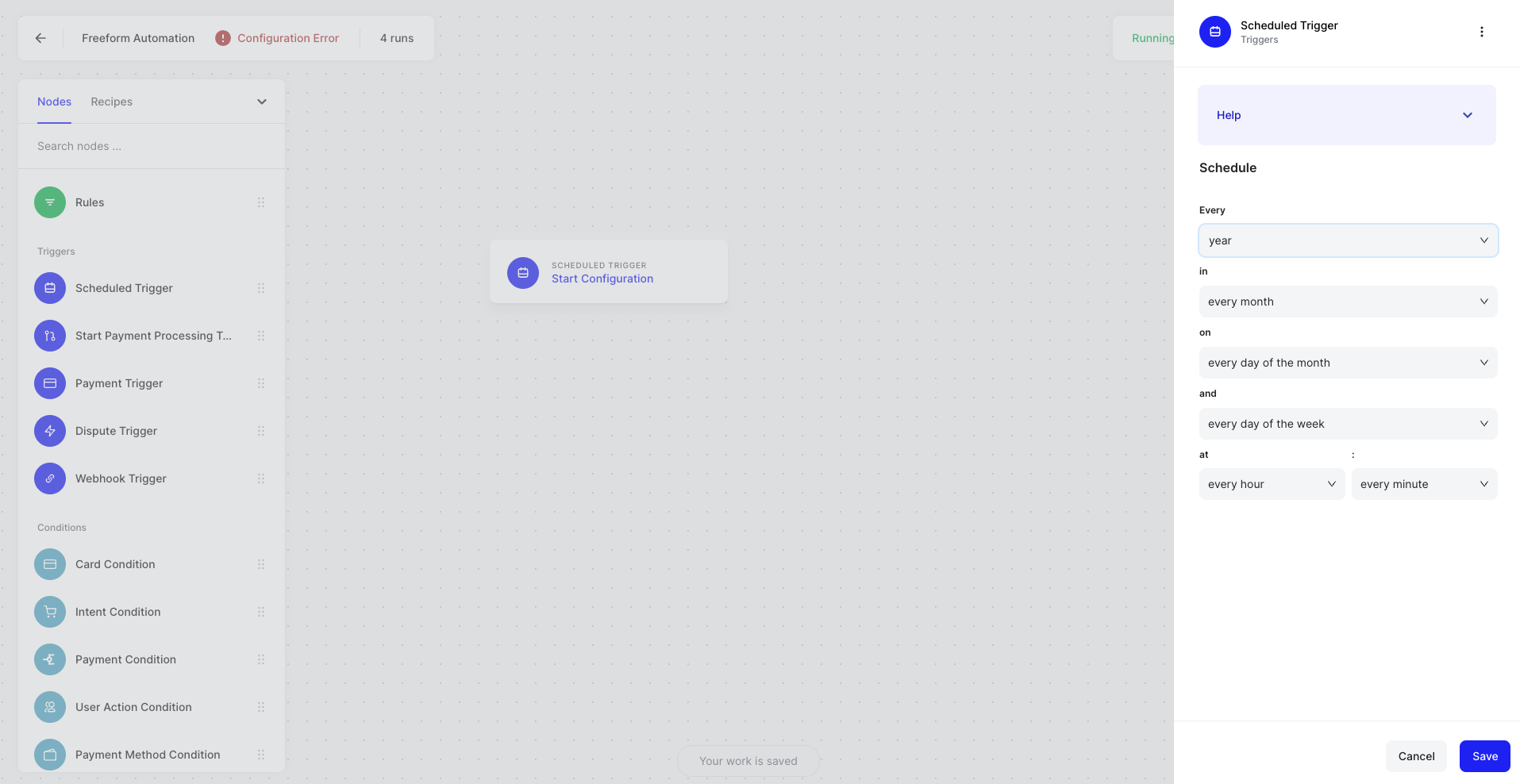
The Scheduled Trigger allows you to start automation on a custom schedule, such as every Thursday at 4 AM or every first Friday of each month.
When to Use
Use when you want an automation to run at a specific time, or recurring at specific times.
How to Use
Use the the drop downs to select options for when you want your Automation to trigger.
Example Use Cases
- Trigger a performance report to be emailed out each Monday of every week.
- Trigger a payment action on the first of each month for a subscription.