

Manual Trigger
Node Type
Description
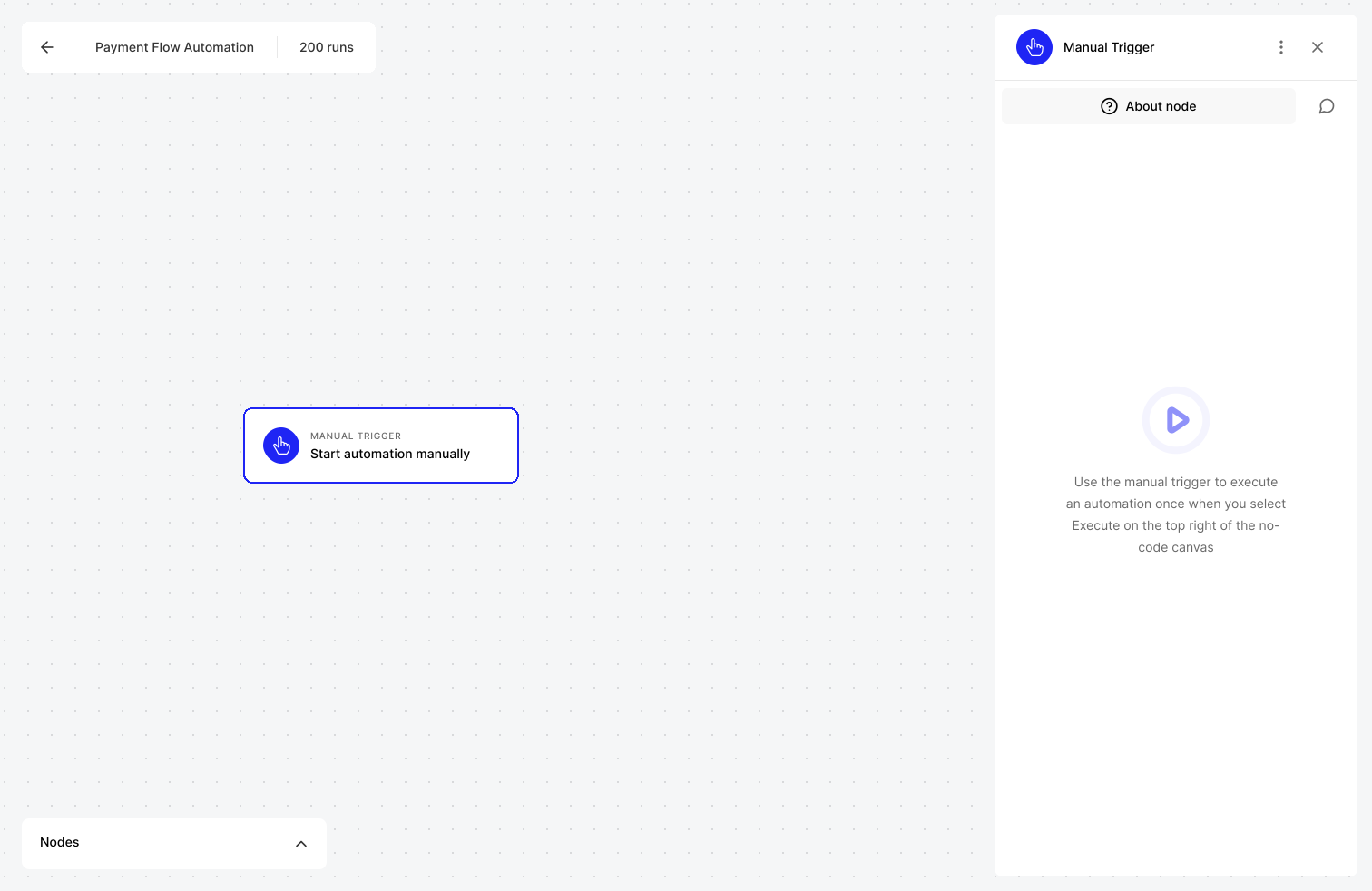
For certain use-cases and Automations, users want control over when they want to execute their workflow. The Manual Trigger allows you to start automation for a single run.
When to Use
This is useful for when you have automated processes which only need to be kicked off exactly when you say - i.e. they are not scheduled, nor are they dependent on receiving input from other services. The Manual Trigger is also very useful for setting up test workflows. Another use case, might be pulling up performance reports or sales reports from your CRM or HR systems.
How to Use
- Create a new blank automation
- Drag the Manual trigger node onto your canvas
- Create the rest of your Automation that you want to run
- Click on top right Start button to execute the automation
- Your Automation will be processed and you can see the details of that manually triggered run immediately by looking at the Monitor feature
Example Use Cases
Execute a manual processing of a payment you receive from a telephone order